Meowboard - Web & Motion
Link: Prototype link available below
Industry:
The Client
Could be you.
The Problem
The Goal
Research & Foundations
Design Decisions
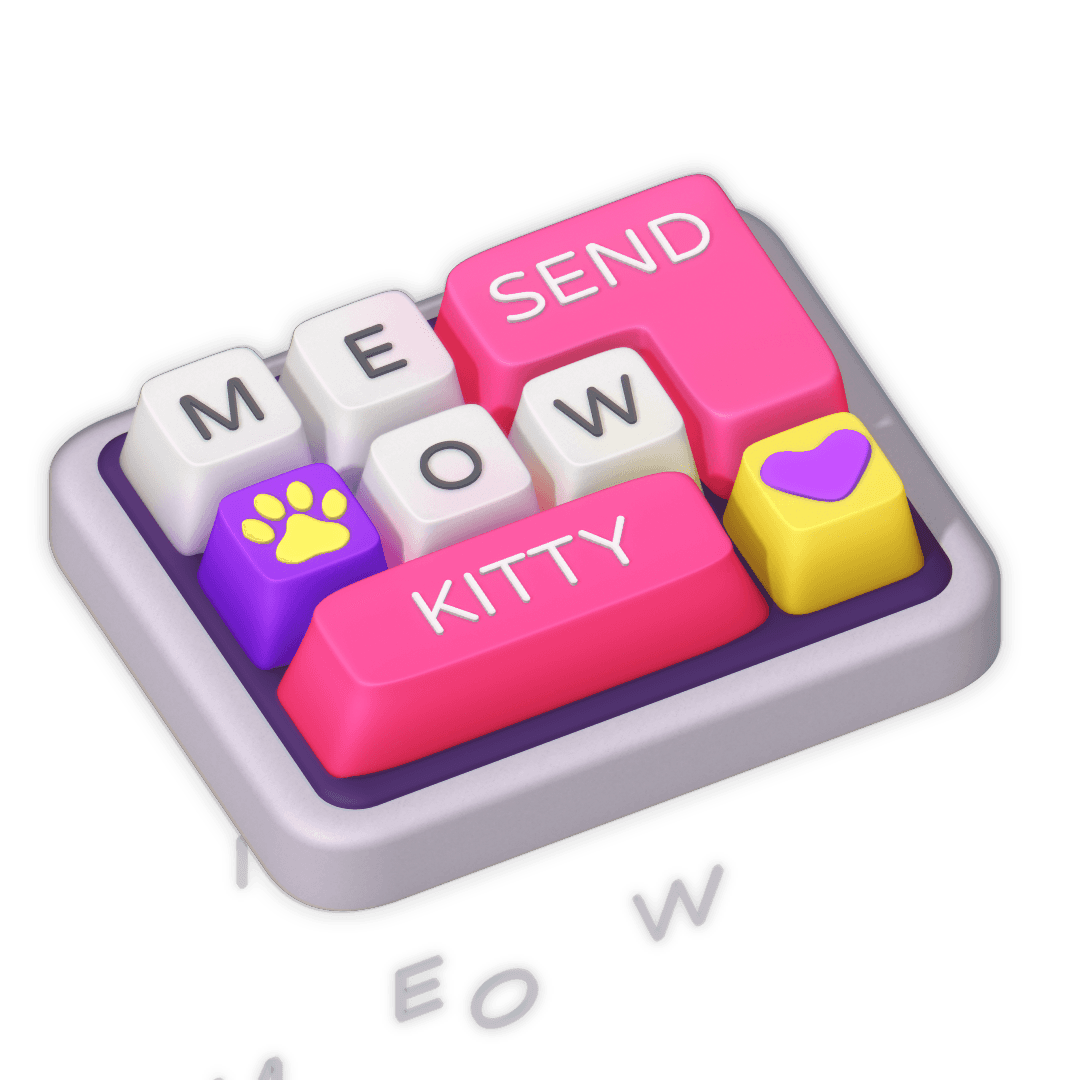
I moved from sketch to modelling. Sketching is really a good idea because more time consuming to take care of mistakes once you have started the modelling process.
Although I eventually made some changes because the two 'T' keys couldn't have the same letter with the key press animation.
So, anyway, modelling made it solid.
Lighting made it believable.
I also lit this in Spline using one key light + world light to accent curves, and then added bloom to give it a soft feel.
No harsh speculars - just enough sheen to feel touchable.
And then animation turned it into a product:
• Press → compress with weight
• Release → bounce with elasticity
• Frame timing calibrated manually (not automated easing)
• Keys respond individually - like UI buttons, not props
This was an interaction design study.
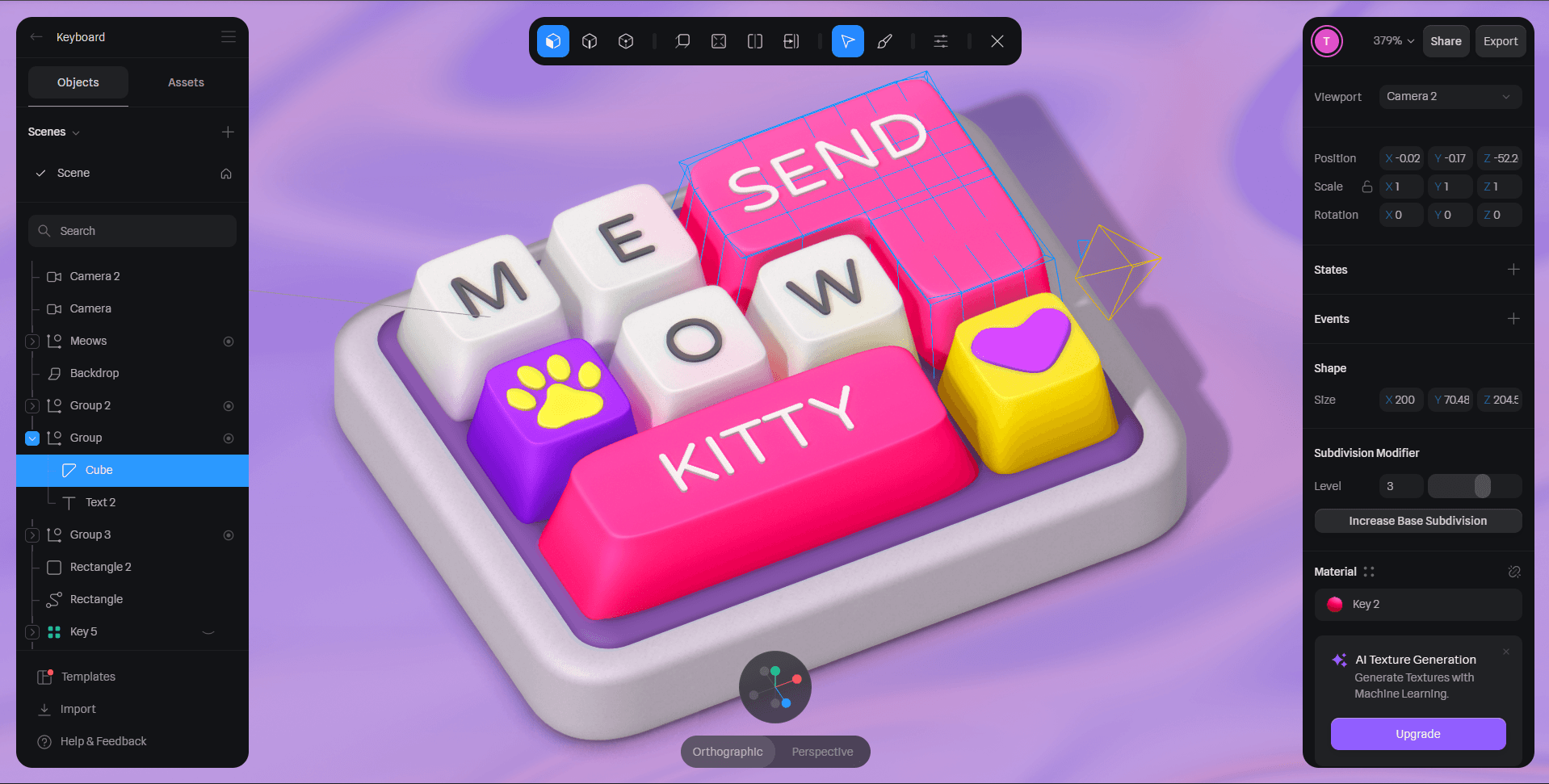
You can interact by clicking the letters on your actual keyboard here ➡️
Works best on desktop.
— UI Motion Integration
The real shift happened when I moved it to Figma.
I built a minimal hero section and tied interactions to tap. Initially meant to be scroll and tap but figma isn't the best with scroll animations.
But think micro-timed motion - the type Apple uses to pace attention:
Click→ the keyboard slides up → hero text pops up
Pause → Keyboard plays with character
Tap → “SEND” triggers a playful snap
Meowgic.
Controlled delight - interaction layered as story beats.

Tools used:
Spline (modelling, lighting, animation, sounds)
Figma (UI integration + motion triggers)